
Many smartphone users wonder about one simple question: Does Your Phone Charge Faster on Low Power Mode This question comes up often because Low Power Mode seems like a smart way to reduce energy drain, but many users are unsure whether it actually improves charging speed.
Phones today are more powerful than ever, but they also run dozens of processes in the background. This constant energy use affects how quickly the battery can recharge. Low Power Mode is designed to slow down background tasks and preserve energy, but does it help your phone charge faster
This guide explains everything you need to know about how Low Power Mode influences charging, why it may help in some cases, what factors affect charging speed, and how to optimize charging for better results.
What Low Power Mode Actually Does
Before answering Does Your Phone Charge Faster on Low Power Mode, it helps to understand what Low Power Mode is designed to do. Low Power Mode reduces battery drain by limiting or pausing energy heavy features.
When turned on, Low Power Mode usually:
- Reduces background usage
- Limits automatic updates
- Slows down visual animations
- Pauses mail syncing
- Minimizes app refresh
- Reduces brightness in some cases
- Disables certain high power tasks
The goal is simple: keep your phone running longer by reducing unnecessary activity.
This reduced activity may indirectly influence how fast your device charges, but the effect varies depending on the phone and situation.
Does Your Phone Charge Faster on Low Power Mode
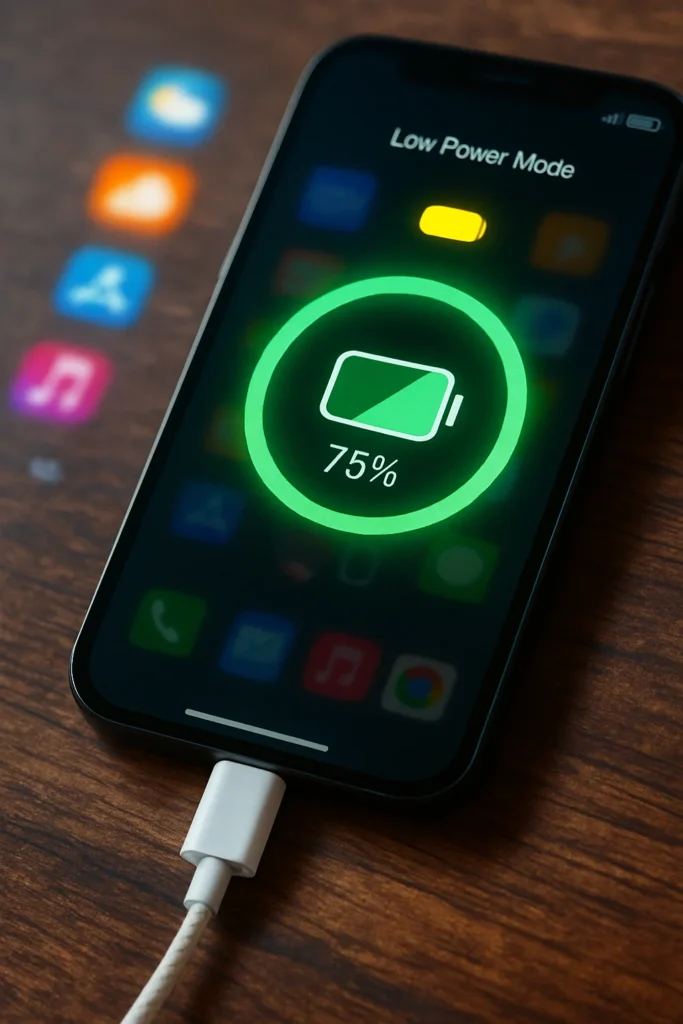
Now to the main question: Does Your Phone Charge Faster on Low Power Mode
In many cases, yes, your phone may charge slightly faster when Low Power Mode is turned on. This happens because your device uses less battery power while charging, allowing more of the incoming energy to go directly into the battery rather than being used for background tasks.
However, this effect is not dramatic or guaranteed. Charging speed is mostly controlled by the charger, the battery health, and the phone’s internal system. Low Power Mode only reduces energy consumption, which may help the charging process feel quicker.
It can provide a small speed improvement, but it does not transform a slow charger into a fast one. Think of it as reducing distractions so the battery can fill more efficiently.
Why Charging Speed May Improve in Low Power Mode
Turning on Low Power Mode reduces energy use in several key areas. These reductions can lead to a faster or smoother charging experience.
Less Background Activity
Phones constantly refresh apps and services in the background, even while charging. With Low Power Mode, much of this activity slows down or stops entirely.
By cutting down on:
- Background apps
- App refresh
- Auto downloads
- System animations
your phone uses less battery power while plugged in, which helps energy go directly into charging.
Reduced Heat Production
Heat is one of the biggest enemies of fast charging. When your phone gets too warm, the charging system slows down to protect the battery.
Low Power Mode reduces high power tasks, which lowers heat levels. A cooler phone usually charges more efficiently.
More Energy Directed to Charging
Without energy draining tasks running in the background, more of the charger’s power is used for charging instead of operating the system.
This means your battery may fill up faster when compared to charging with dozens of apps working at the same time.
When Low Power Mode Does Not Affect Charging
While Low Power Mode can help charging speed, there are times when it has almost no impact. Understanding these moments helps answer Does Your Phone Charge Faster on Low Power Mode more accurately.
Low Power Mode does not help when:
- Your charger wattage is too low
- The cable is damaged or slow
- Your phone battery is old
- Your device limits charging speed
- Heat slows the charging system
- You use your phone while charging
- System protections override optimization
In such cases, charging speed depends more on external factors than on Low Power Mode.
Other Factors That Influence Charging Speed
Charging performance is affected by multiple elements beyond Low Power Mode. Knowing these helps you optimize your phone’s charging routine.
Charger Wattage
The biggest factor in charging speed is how much power your charger delivers. High watt chargers charge faster than low watt ones.
Cable Quality
Old or low quality charging cables slow down charging significantly. Damaged cables reduce power flow even more.
Battery Temperature
If your phone gets too hot, the charging system slows down automatically to prevent battery damage.
Background Apps
If many apps are open or running, they consume energy while charging, slowing the process.
Charging Method
Wall chargers are faster than car chargers or laptop USB ports. Wireless charging is also slower than cable charging.
These factors play a major role in determining how quickly your phone charges.
Does Low Power Mode Damage the Battery
Some people worry that using Low Power Mode while charging might damage the battery. Fortunately, this is not the case.
Low Power Mode is safe and does not harm the battery. It simply reduces energy consumption. In some ways, it can help battery health because it:
- Reduces heat
- Reduces strain on the processor
- Minimizes background usage
These benefits can help maintain longer battery life over time.
How to Make Your Phone Charge Faster
Whether or not Low Power Mode helps, you can use several simple tricks to increase charging speed safely.
Use a High Watt Charger
Compatible higher watt chargers help the battery reach full capacity faster.
Keep the Phone Cool
Charging in a cool environment improves speed and protects the battery.
Avoid Using the Phone While Charging
Using apps or playing games pulls power away from charging.
Close Background Apps
Less background activity equals faster charging.
Turn On Airplane Mode
Airplane Mode reduces network activity, improving charging efficiency even more than Low Power Mode in some cases.
Unplug From USB Ports
Charging directly from a wall outlet is faster than charging from a computer or car port.
These small habits help your phone charge faster and more safely.
Myths About Charging and Low Power Mode
Many myths circulate about charging. Clearing these up helps you understand whether Does Your Phone Charge Faster on Low Power Mode is true in your situation.
Myth 1: Low Power Mode Doubles Charging Speed
It may help slightly, but it does not dramatically increase charging speed.
Myth 2: Fast Charging Instantly Damages the Battery
Fast charging is safe when managed by the phone’s system.
Myth 3: Closing Apps Always Improves Speed
Only energy heavy apps have a significant effect.
Myth 4: Wireless Charging Is Always Faster
Wireless charging is usually slower than cable charging.
Knowing the truth helps you get the most out of your charging experience.
Frequently Asked Questions
Find answers to the most common questions
Should I leave Low Power Mode on all the time?
Yes, it is safe, but you may notice reduced performance in some apps.
Does Airplane Mode charge a phone faster than Low Power Mode?
In many cases, Airplane Mode can charge faster because it shuts off network activity.
Is fast charging safe for daily use?
Yes, fast charging is designed to be safe and controlled by your device’s system.
Why does my phone get hot while charging?
Background apps, heat from the environment, or high watt chargers may cause warmth.
Does Low Power Mode reduce battery wear?
Yes, less background activity can help reduce overall strain.
What slows down charging the most?
Heat, low watt chargers, and using the phone while charging slow it down drastically.
Is it better to charge my phone with the case removed?
Removing thick cases may improve airflow and prevent heat buildup during charging.
Final Thoughts
So, Does Your Phone Charge Faster on Low Power Mode The answer is that Low Power Mode can help your phone charge slightly faster because it reduces background activity and minimizes energy use. This allows more of the charger’s power to reach the battery directly.
However, Low Power Mode is not the main factor in charging speed. Charger quality, battery health, heat levels, and charging habits play a much bigger role. Still, using Low Power Mode can be a useful trick for maximizing efficiency when you need a quick boost.
If you combine Low Power Mode with good charging practices, you can enjoy smoother and faster charging overall.