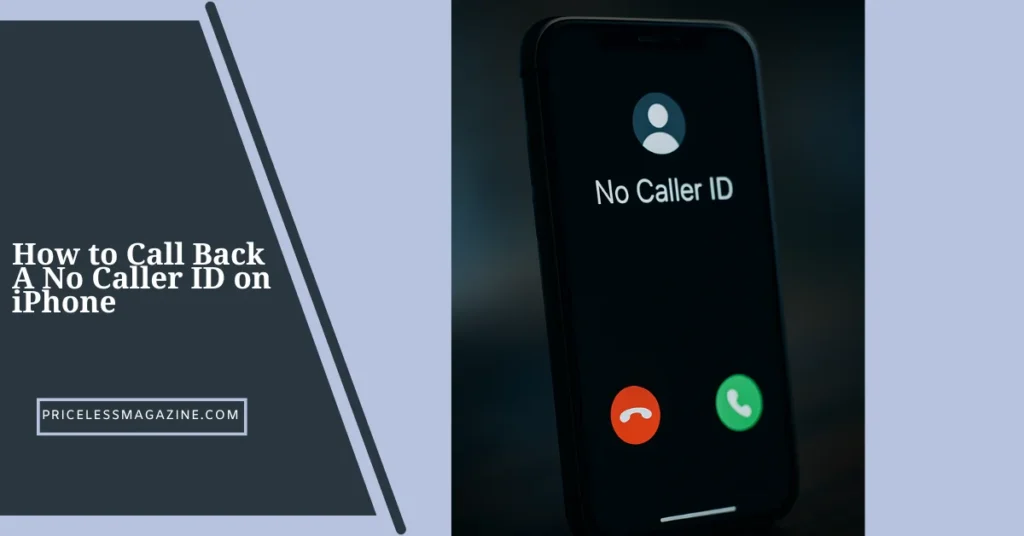

Receiving an unexpected call without a visible number can feel confusing, annoying, or even concerning. Many people instantly wonder How to Call Back A No Caller ID on iPhone because the unknown caller often leaves you curious or unsure about the next step. iPhones protect caller privacy by hiding restricted numbers, which means you cannot directly see who called or return the call the normal way.
Still, there are a few techniques you can try, along with several tools built into your iPhone that help you manage anonymous calls more safely. This guide explains everything in clear detail so you understand what works, what does not, and how to stay protected when dealing with No Caller ID calls.
What No Caller ID Actually Means
To understand How to Call Back A No Caller ID on iPhone, you first need to know what the term means. No Caller ID appears when the person calling has intentionally hidden their number. Instead of showing their contact details, the phone simply displays “No Caller ID” or “Unknown Caller.”
There are multiple reasons this happens:
- The caller manually blocked their number
- Calls from certain businesses or automated systems
- Telemarketing and spam sources
- Individuals who want privacy
- Calls from out of region services
It is important to know that No Caller ID is different from an unknown number. An unknown number appears when the carrier cannot identify the caller. A No Caller ID call is hidden on purpose.
Can You Call Back A No Caller ID on iPhone
Many users hope there is a secret button, hidden menu, or trick inside iPhone settings that reveals the number. Unfortunately, you cannot directly call back a number that appears as No Caller ID because the device simply does not know what the number is.
However, there are certain methods that may help you figure out who called or attempt a return call through indirect options. These methods vary in effectiveness and depend on how the caller hid their number.
So while you cannot dial the hidden number directly, you can try several workarounds to get more information or block future calls.
Ways to Identify A No Caller ID Caller
Even though your iPhone will not show the actual number, there are techniques that may help identify the caller. These are not guaranteed, but they are safe and worth trying.
Use the Call Return Feature
Some carriers support a “call return” function that attempts to dial the last incoming call. If supported, it can try contacting the last caller, even if the number was hidden. This only works on certain networks and only if the caller did not block the return function itself.
Check Call History Carefully
Although No Caller ID calls usually do not show numbers, in rare cases duplicate entries may appear in your recent calls list. This may be a separate unmasked record from the same caller, especially if they called multiple times in a row.
Use Carrier Help Options
Carriers often provide call identification tools. Some can offer assistance about repeated anonymous calls, especially if they happen frequently or appear suspicious.
Check Voicemail Messages
If the caller leaves a voicemail, sometimes their identity becomes clearer through their message or voice. While this will not reveal the number, it may give you enough context.
Practical Ways to Handle No Caller ID Calls
Understanding How to Call Back A No Caller ID on iPhone is important, but in many cases, handling or preventing these calls matters even more.
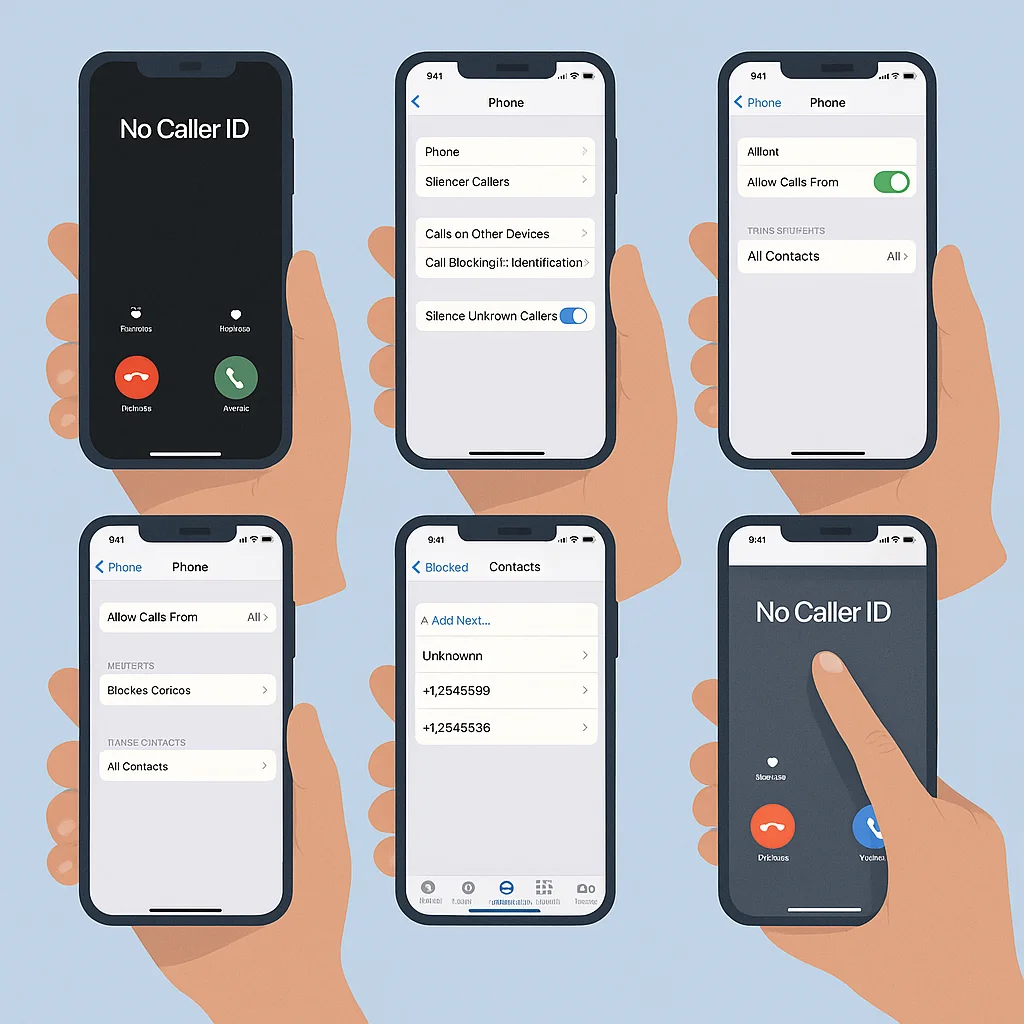
Here are useful tools built into your iPhone:
Silence Unknown Callers
This feature automatically sends unknown or hidden number callers to voicemail. Your phone will not ring, keeping interruptions away.
Allow Calls Only From Contacts
This ensures that only saved numbers can reach you. Everyone else goes straight to voicemail.
Use Do Not Disturb Custom Settings
You can allow certain contacts or groups while silencing unknown callers completely.
Block Unknown Call Types
Once a pattern appears, blocking similar callers gives you peace of mind.
Report Persistent Harassment
If someone repeatedly calls with No Caller ID, your carrier can help investigate the issue further.
These settings make dealing with anonymous calls easier and safer.
What You Cannot Do on an iPhone
Knowing your limitations is part of understanding How to Call Back A No Caller ID on iPhone. Apple protects caller privacy, so the iPhone does not reveal numbers that are intentionally hidden.
There are things your device cannot do:
- It cannot unmask or expose a hidden number
- It cannot trace a caller independently
- It cannot return a call without a visible number
- It cannot bypass caller privacy protections
- It cannot override carrier level block settings
This protects both users and the privacy of callers, even when you wish the number was visible.
Why People Call With No Caller ID
No Caller ID calls can come from a wide range of callers. Knowing the reasons helps you decide how to respond.
Common reasons include:
- Telemarketers calling from masked numbers
- Scam callers testing numbers
- People wanting privacy
- Businesses using automated calling tools
- Medical or corporate sources using private lines
- Individuals who do not want their number saved
Knowing the reason helps you decide when to ignore the call or when to take it seriously.
How to Protect Yourself from No Caller ID Calls
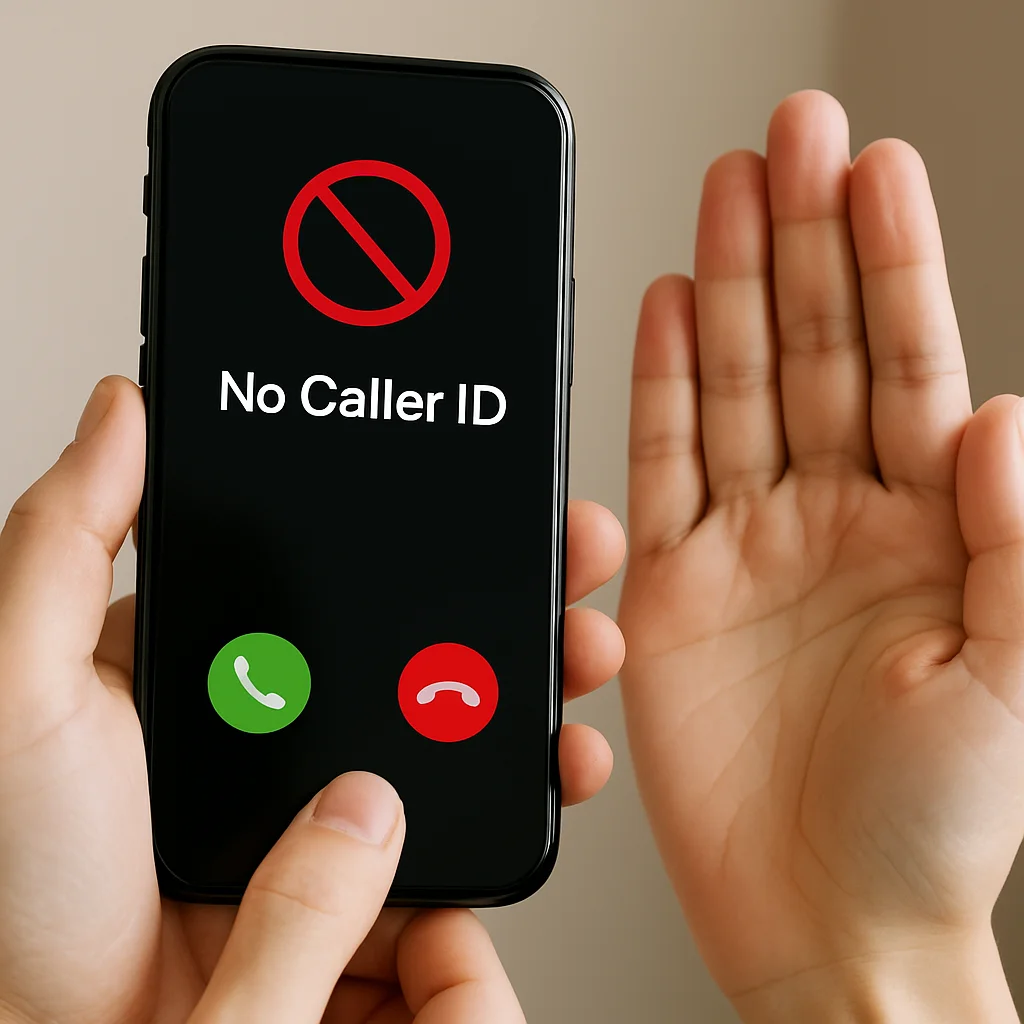
Safety matters more than identifying or returning hidden calls. These steps help keep your information secure while still letting important calls reach you.
Keep Sensitive Information Private
Never share personal info when answering unknown calls.
Use Built In Call Blocking
Block unknown numbers and silence unwanted callers.
Watch for Patterns
If the same caller reaches you multiple times, consider adjusting your call settings.
Filter Calls Through Voicemail
Legitimate callers will leave messages explaining who they are and why they called.
Use Do Not Disturb Presets
Create personalized settings to allow only trusted callers.
Stay Calm and Avoid Reacting Emotionally
Unrecognized calls rarely require immediate action.
Following these guidelines ensures that anonymous calls do not disrupt your day.
Myths About Calling Back No Caller ID Numbers
There are several misconceptions surrounding how No Caller ID calls work. Clearing them up will help you better understand the limitations.
Myth 1: There Is a Secret Setting That Reveals Hidden Numbers
There is no setting in any iPhone that can expose a masked number.
Myth 2: Apps Can Unmask No Caller ID Calls
Apps cannot access or reveal hidden numbers due to privacy protections.
Myth 3: Returning the Call Is Always Possible
If the caller blocks their return function, calling back will not work.
Myth 4: All No Caller ID Calls Are Dangerous
Many private or business calls simply hide numbers for privacy reasons.
Frequently Asked Questions
Find answers to the most common questions
Can I reveal a No Caller ID number on iPhone?
No, the iPhone cannot reveal numbers that the caller intentionally hid.
Can my carrier help with repeated No Caller ID calls?
Yes, carriers can assist if the calls are persistent or concerning.
Can voicemail reveal who called?
Sometimes the caller’s voice or message may offer clues, even if the number stays hidden.
Are No Caller ID calls dangerous?
Not always. Some are simply private calls, while others may be spam.
Can I return the call using my carrier’s return feature?
Some carriers allow last call return, but results vary.
What is the best way to block No Caller ID calls?
Use Silence Unknown Callers or allow calls only from contacts.
Does my iPhone store hidden numbers anywhere?
No, hidden numbers are not saved or stored in your device history.
Final Thoughts
If you have ever wondered How to Call Back A No Caller ID on iPhone, the truth is that direct callbacks are not possible because the number is intentionally hidden. However, you can use several safe methods to understand the caller better or manage anonymous calls more effectively.
Your iPhone has built in tools that help you filter, silence, or block unknown callers, making it easier to protect your privacy. While Low Caller ID calls can be confusing or frustrating, using the right settings helps you stay in control and avoid unwanted interruptions.
With the proper approach, you can manage anonymous calls confidently and keep your phone experience stress free.