
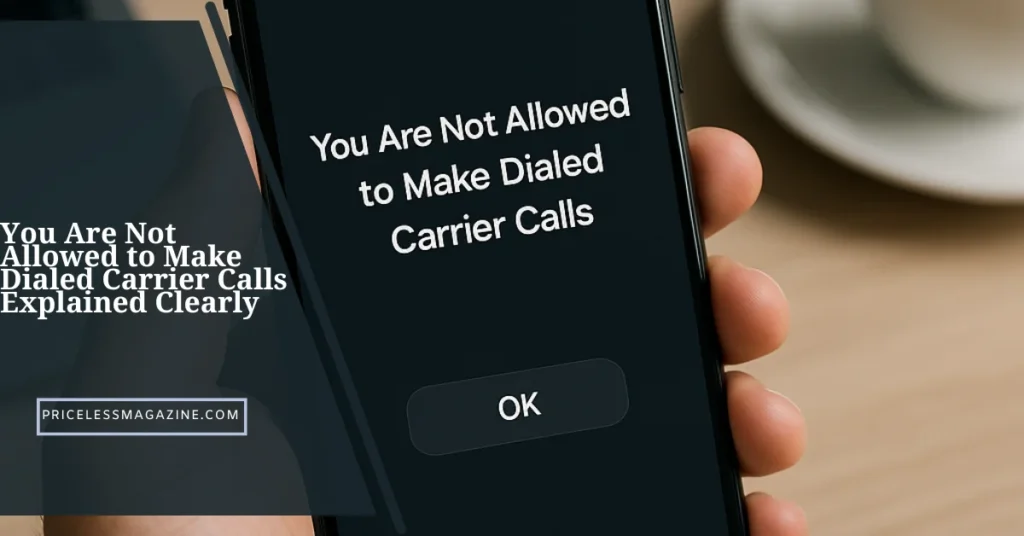

Seeing the message You Are Not Allowed to Make Dialed Carrier Calls can be confusing and stressful. It usually appears when your carrier restricts outgoing calls or when your SIM or device faces a technical problem. Understanding why this happens helps you solve the issue faster and restore normal calling.
This guide explains the meaning of the message, why it appears, how to fix it, what to avoid, and when to contact your carrier. Everything is written in simple, friendly language for easy reading.
What You Are Not Allowed to Make Dialed Carrier Calls Means
The message You Are Not Allowed to Make Dialed Carrier Calls appears when your mobile network blocks your outgoing calls. This block can happen for many reasons including SIM issues, account problems, call barring or temporary restrictions placed by the carrier.
It does not mean your phone is damaged. It usually means the carrier cannot process your request because something in your account or device settings is stopping the call.
Why You Are Not Allowed to Make Dialed Carrier Calls Appears
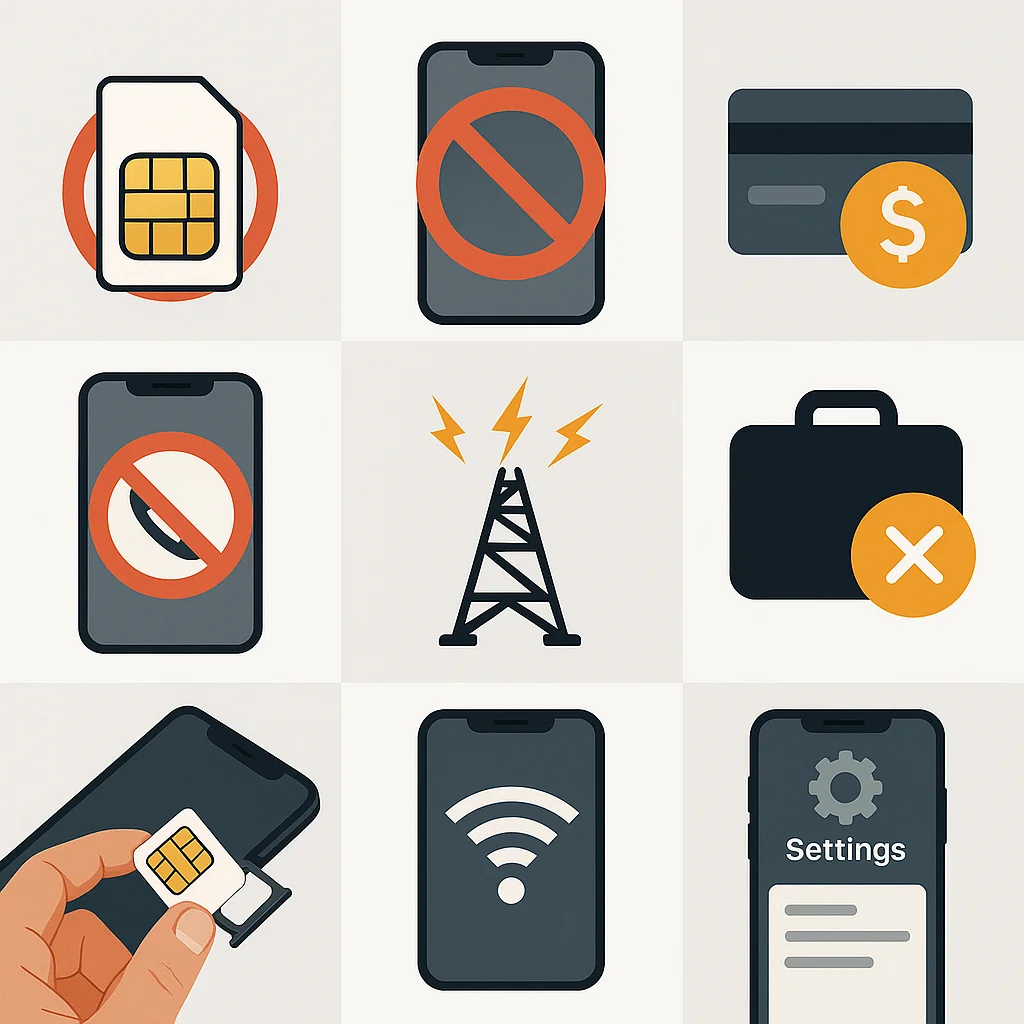
Different factors can trigger this message. Below are the most common causes that affect both prepaid and postpaid users.
SIM Not Activated or Expired
A newly purchased or recently replaced SIM may not be fully activated. If the SIM is expired or inactive, the carrier blocks outgoing calls.
Number or Service Temporarily Banned
If your number violates any carrier rule, a temporary hold is placed. Until the issue clears, calls may not connect.
Account Not Funded
Prepaid users face this error when balance or validity is over. Postpaid users see this message when bills remain unpaid.
Call Barring Active
Accidentally turning on outgoing call barring can block your calls. Parents, workplaces or apps may also activate such settings.
Network Outage
A carrier outage or maintenance event makes the device unable to reach the dialing system.
Roaming Restrictions
Some plans do not support roaming calls. International travel without the right plan can trigger this message.
SIM Not Inserted Correctly
A loose SIM card denies proper network access and causes call restrictions.
Wrong Network Mode
Using an incompatible network mode affects call capability. For example, selecting a mode not supported by your carrier.
Device Configuration Issues
Corrupted dialer settings, old software or incorrect configurations prevent the phone from completing the call.
How To Fix You Are Not Allowed to Make Dialed Carrier Calls
You can solve most cases with simple steps. The solutions below cover both Android and iPhone users.
Restart Your Phone
A quick restart refreshes the network connection and clears temporary errors.
Reinsert the SIM
Remove the SIM, clean it gently and insert it again. Make sure it fits properly.
Check Your Account Status
Ensure balance, validity, or bill payment is up to date. Many users see this message when service expires.
Disable Call Barring
Open call settings and make sure outgoing call barring is off. If there is a password, try the default one provided by your carrier.
Reset Network Settings
Resetting the network can fix a long list of problems including registration issues and call restrictions.
Update Software
Outdated software may interrupt calling functions. Update your phone to the latest version.
Switch Network Mode
Try switching between network modes such as 4G, 3G or automatic. Some carriers limit calling on certain modes.
Clear Dialer Cache
On Android devices, clearing the dialer app cache removes stored errors that interfere with calls.
Try Another SIM
Insert a different SIM into your phone. If the call works, the issue is with your original SIM or account.
Contact Carrier Support
If none of the above methods succeed, contact your operator. They can check for service holds, SIM issues or restrictions on your profile.
When You Should Contact Your Carrier Directly
Some issues cannot be fixed on your device. You need carrier help in the situations below.
SIM Registration Failure
If the SIM is not fully registered, you must ask the carrier to activate or update it.
Account Hold Due To Verification
When ID or address verification fails, the carrier pauses outgoing calls. They must clear the verification.
Suspicious Activity Alerts
If the carrier detects possible fraud, they block calls. Only support can remove the restriction.
Number Porting Problems
During porting from one network to another, this message may appear until support finalizes the transfer.
Area Wide Network Outage
If your region has a blackout, only the carrier can restore service.
You Are Not Allowed to Make Dialed Carrier Calls in Prepaid and Postpaid Plans
Prepaid users experience this message when they run out of talk time or validity. If the plan expires, the network stops calls instantly.
Postpaid users see the message when bills are overdue or when a temporary block is applied for account review.
Both user types may face the same error during network outages or SIM registration issues.
How to Prevent This Issue in the Future
You can avoid facing You Are Not Allowed to Make Dialed Carrier Calls by following a few simple habits.
Maintain Validity
Renew prepaid packs before they expire.
Pay Bills On Time
Ensure your postpaid bill is cleared before the due date.
Keep SIM Active
Use the SIM regularly so the carrier does not deactivate it for inactivity.
Avoid Manual Restrictions
Do not turn on call barring or advanced restrictions unless necessary.
Update Your Device
Monthly updates protect the phone from bugs that disrupt calling.
Avoid Unofficial Apps
Some apps affect call management. Stick to trusted apps only.
Myths About You Are Not Allowed to Make Dialed Carrier Calls
Many users misunderstand this message. Here are the common myths.
It Means Your Phone Is Broken
The phone is usually fine. The carrier is blocking the call for another reason.
Your SIM Is Permanently Banned
Temporary blocks are common and easy to fix.
It Means The Network Is Hacked
This message has nothing to do with hacking.
You Cannot Fix The Problem Yourself
Most users solve it with simple steps like clearing settings or renewing plans.
Simple Troubleshooting Table
| Issue | Possible Cause | Quick Solution |
|---|---|---|
| Call not connecting | No balance | Recharge |
| Call barred | Outgoing barring active | Disable it |
| SIM not detected | Improper insertion | Reinsert SIM |
| Carrier block | Unpaid bill | Pay bill |
| Roaming issue | Unsupported plan | Activate roaming pack |
| Device error | Wrong settings | Reset network |
Frequently Asked Questions
Find answers to the most common questions
Why does my phone say You Are Not Allowed to Make Dialed Carrier Calls?
This message appears when the carrier blocks outgoing calls due to restrictions, settings or account problems.
Is You Are Not Allowed to Make Dialed Carrier Calls related to hacking?
No. It is a carrier level restriction, not a security attack.
Can low balance trigger this message?
Yes, prepaid users often see it when their plan or validity ends.
Does this message affect data usage?
No, it affects only outgoing calls. Data may still work normally.
Why does this message appear during roaming?
Some plans do not support roaming calls, causing carrier refusal.
Can a damaged SIM cause this problem?
A faulty SIM may fail network registration and block your outgoing calls.
Should I contact the carrier for this issue?
Contact them when device level fixes do not work or when account holds are applied.
Conclusion
The message You Are Not Allowed to Make Dialed Carrier Calls is common and mostly easy to fix. It appears when the carrier blocks outgoing calls due to account issues, SIM problems, temporary restrictions or device settings.
By following the steps above, you can identify the cause, apply the right fix and prevent the issue in the future. Whether you are a prepaid or postpaid user, the solutions remain simple, clear and effective.